If you grew up playing GTA Vice City, you already know—it wasn’t just a game, it was a whole experience. From cruising through Vice City to completing missions, it’s one of the most nostalgic games ever made.
But back then, you had to buy, download, and install the game before playing it. What if I told you that you can now play GTA Vice City directly in your browser—without downloading or installing anything? In this guide, I’ll show you exactly how to do it step by step.
Play GTA Vice City Without Downloading
You can now play GTA Vice City online using a browser-based platform. That means:
- No downloads
- No installation
- No storage space needed
- Instant gameplay
Step-by-Step Guide
Follow these simple steps to start playing:
1. Open Your Browser
Go to your preferred browser (Chrome, Edge, etc.).
2. Visit the Website
Type the following URL in your search bar:
Click on the correct link once it appears.
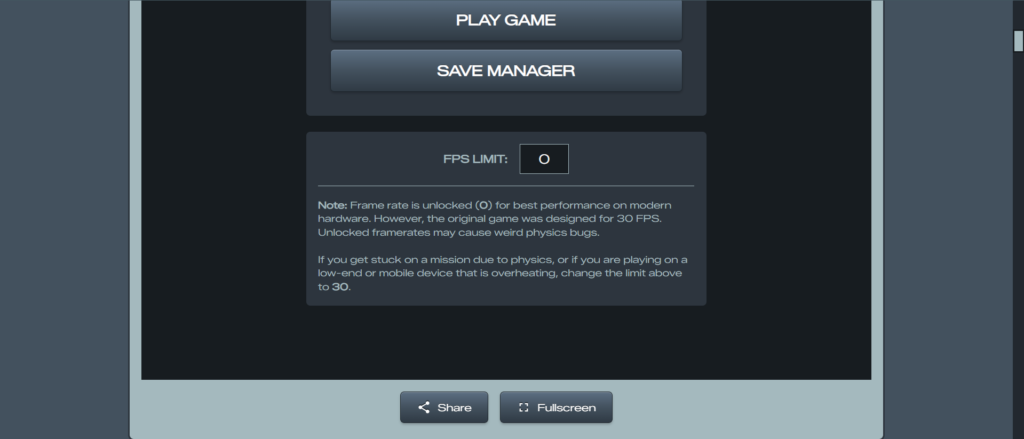
3. Enter Full Screen Mode
Once the site loads:
- Scroll down
- Click on “Full Screen”
- Close any ads that appear
4. Start the Game
Now:
- Click on “Play Game”
- Click anywhere on the screen
The game will begin loading instantly in your browser.
Launch GTA Vice City
Once loaded:
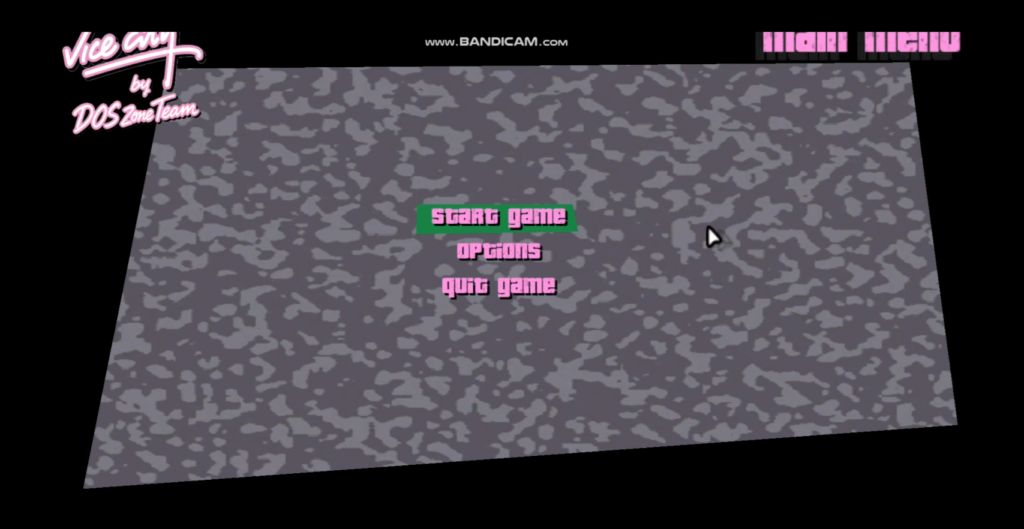
- Click Start Game
- Select New Game
And just like that… you’re back in Vice City
You’ll be able to play the game just like you did before—same missions, same gameplay, same nostalgia.
Can You Save Your Progress?
Yes… but there’s a catch.
The Drawback:
Since this is a browser-based version, your progress is not permanently saved.
- If you save your game and restart your computer, your progress will be lost
- Browser sessions don’t store long-term game data
Solution:
If you want permanent saves, you’ll need to download and install the game on your system.
Also Read: How to Connect a Blogger Website to a Custom Domain
How to Exit the Game Properly
Clicking “Quit Game” may not always work properly.
Instead:
- Long press the “Escape (Esc)” key
- This will exit full screen and minimize the game
Final Thoughts
Playing GTA Vice City without downloading is a quick and fun way to relive your childhood—especially if you just want instant access without setting anything up.
However, if you’re serious about playing long-term and saving progress, installing the game is still the better option.
If you enjoyed this method:
- Share it with your friends
- Try it on different devices
- Use it when you don’t want to install heavy games